In the rapidly evolving landscape of digital entertainment, the year 2026 has brought us closer to a “cord-cutters’ paradise” than ever before. However, with the explosion of providers comes a significant challenge: distinguishing between a premium backbone service and a rebranded, overloaded local server. At IPTVTesting.com, we’ve analyzed over 500 providers this year alone. The most consistent piece of advice we give our readers is simple: Never commit to a long-term subscription without a rigorous IPTV Free Test.
An IPTV Free Trial is not just a “sneak peek”; it is a vital window for technical stress-testing. This guide will walk you through the scientific method of verifying a service so you don’t end up with a buffering screen during the World Cup or your favorite Netflix premiere.
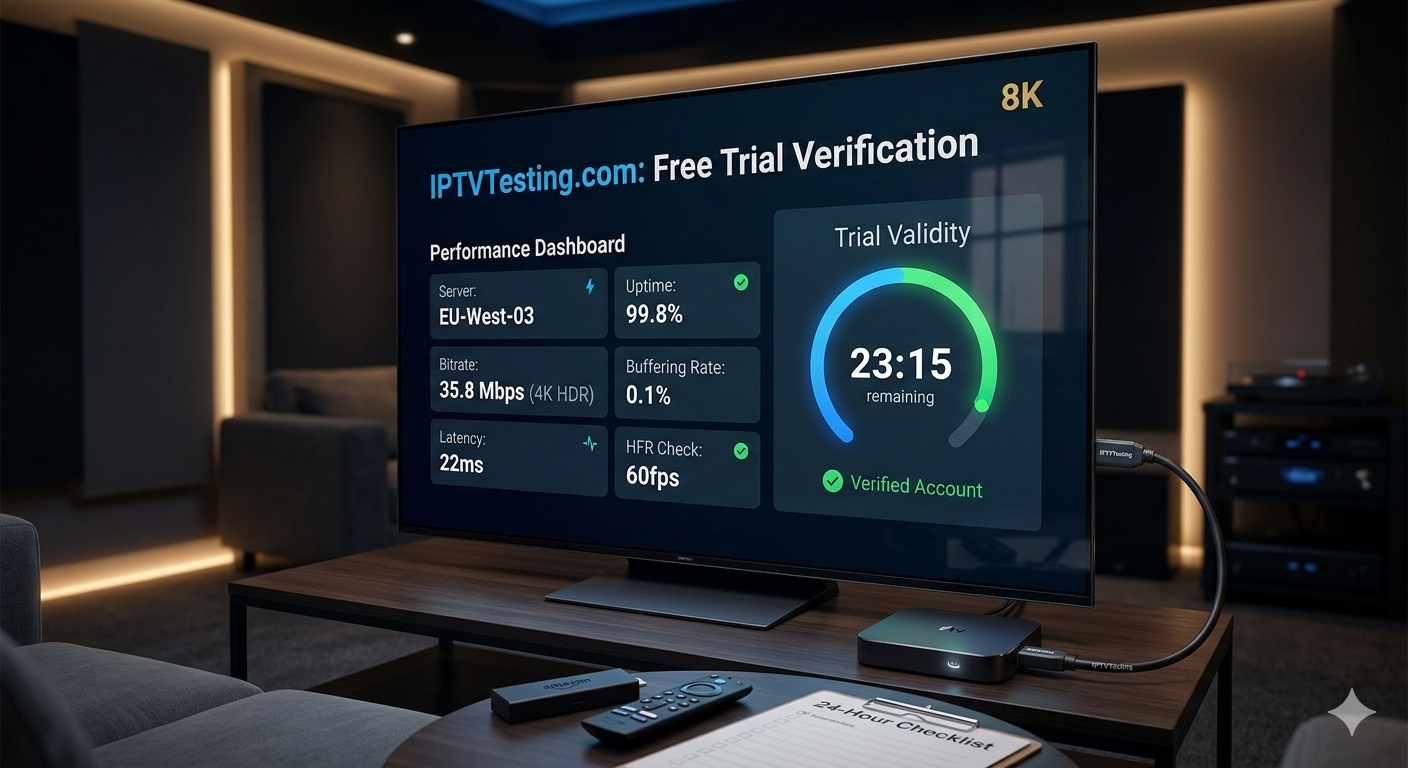
Why an IPTV Free Test is Non-Negotiable in 2026
The IPTV industry has shifted. Gone are the days of simple M3U links. Today, we deal with Adaptive Bitrate Streaming (ABR), HEVC (H.265) codecs, and server-side load balancing. A provider might look fantastic on a Tuesday morning but crumble on a Saturday night when millions of users tune in for live sports.
When you request an IPTV Free Trial, you are essentially testing the provider’s infrastructure. Does their CDN (Content Delivery Network) have enough POPs (Points of Presence) near your location? Can their middleware handle high-concurrency requests? A free test allows you to answer these questions without financial risk.
The 24-Hour Checklist: How to Scientifically Test Your Trial
Most providers offer a 24-hour IPTV Free Test. To maximize this window, follow our expert checklist. Don’t just flip through channels; stress-test the limits.
1. The Peak Hour Stress Test (7:00 PM – 10:00 PM)
This is the “Golden Rule” of IPTV testing. Almost any server can deliver a smooth 4K stream at 10:00 AM on a weekday. You must test the service during local peak hours. If you see the dreaded buffering wheel during prime time, the provider’s server is likely over-capacity.
2. Live Sports Latency & HFR
Check the Live Sports category. In 2026, premium services provide 60fps (Frames Per Second) on major sports channels. If the motion looks “choppy,” the provider is likely using 25fps or 30fps to save bandwidth. Furthermore, check the latency against a live score app; a delay of more than 30 seconds is a sign of poor routing.
3. VOD Library & Update Frequency
A quality IPTV Free Trial should give you full access to the Video on Demand (VOD) library.
- Search for New Releases: Are movies that hit theaters last week available?
- Check Subtitles: Do the 4K HDR titles include multi-language subtitles?
- Resume Function: Exit a movie and come back; does it remember where you left off?
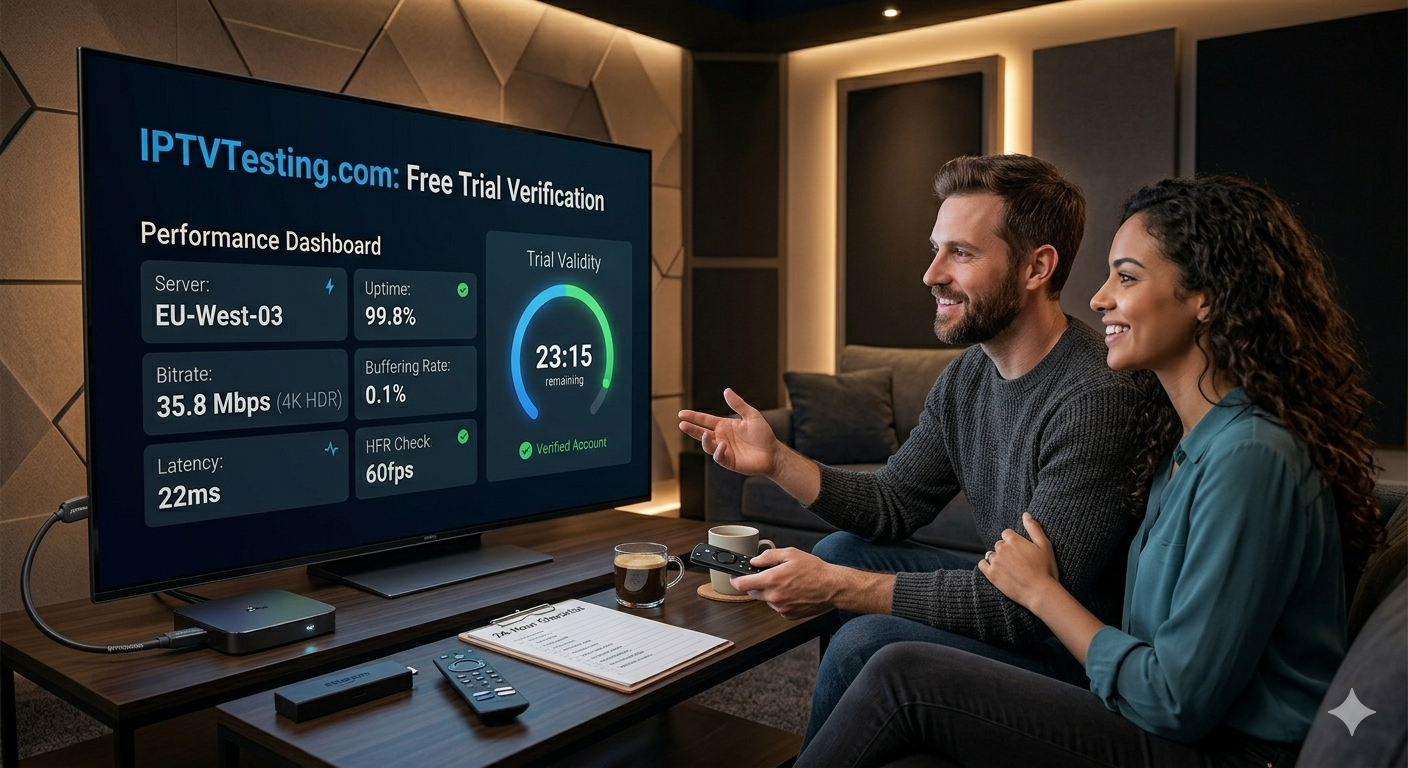
4. EPG Accuracy and Catch-Up
Open the Electronic Program Guide (EPG). If the “What’s On Now” info is missing or incorrect for more than 10% of the channels, navigating the service will be a nightmare. Additionally, test the Catch-Up TV feature (look for the clock icon). Try playing a show from 6 hours ago to ensure the DVR servers are functioning correctly.
5. Multi-Device Compatibility
If your trial allows multiple connections, fire up the service on your Amazon Firestick, an Android Phone, and a Web Browser simultaneously. A robust service should maintain stability across all three without kicking you out or degrading the bitrate.
Technical Setup: Maximizing Your IPTV Free Trial
To get the most out of your IPTV Free Test, the software you use is just as important as the service itself. We recommend professional-grade players to ensure the hardware decoding is handled correctly.
- TiviMate (Premium): Still the gold standard in 2026 for Android TV and Firestick users.
- IPTV Smarters Pro (v5.0): Best for cross-platform ease of use.
- OTT Navigator: Ideal for those who want deep technical customization and AFR (Auto Frame Rate) switching.
Expert Tip: When setting up your IPTV Free Test, always use the Xtream Codes API login rather than a raw M3U URL. The API allows for faster EPG loading and better organization of the VOD library.
Safety First: Avoiding “Free Test” Scams
Not every IPTV Free Test is legitimate. In our years of reporting at IPTVTesting.com, we’ve identified several red flags:
- Credit Card Requirement: A true “Free” test should not ask for your credit card upfront. This is often a tactic for “dark patterns” where they charge you the moment the trial ends.
- Generic Email Providers Only: Be wary of providers that block Gmail or Outlook addresses, forcing you to use a “business email.” This is often to harvest high-value data.
- No Support Response: Send a quick technical question to their support during your trial. If they don’t answer when they’re trying to “sell” you, they definitely won’t answer after you’ve paid.
For a list of verified providers that have passed our internal benchmarks, visit our Best IPTV Reviews section.
Conclusion: Data-Driven Decisions
Choosing a provider in 2026 shouldn’t be a game of luck. By utilizing an IPTV Free Test and following our technical checklist, you shift the power back to the consumer. Verify the 4K bitrates, test the peak-hour stability, and ensure the EPG is accurate. If a provider passes these tests, you’ve found a service worth your investment.
FAQ: Frequently Asked Questions about IPTV Free Tests
1. Do I need a credit card for an IPTV Free Trial?
In most cases, no. Reputable providers in 2026 offer a 12 to 24-hour IPTV Free Test using just an email address. If a site demands a credit card for a “free” trial, proceed with extreme caution, as they may be looking to trigger an automatic subscription.
2. Can I test the IPTV service on multiple devices during the trial?
This depends on the provider. Most IPTV Free Trial accounts are limited to one active connection to prevent trial abuse. However, you can usually install the app on multiple devices (Phone, TV, Tablet) and test them one at a time.
3. Why does the trial work perfectly but the paid version buffers?
This is a common “overselling” issue. Some low-quality providers put trial users on a “High Priority” server and then move paid users to a “Density” server. This is why we recommend checking our Best IPTV rankings, as we monitor long-term stability beyond just the initial 24 hours.
Looking for more technical insights? Check out our latest guide on Optimizing Your Firestick for 4K IPTV.